Website setup (WordPress)
The Website page connects your WordPress site to Suburb Stack, so your Suburb Stack pages can be published on it. You download the Suburb Stack plugin and a settings file for this website, then install both in WordPress.
How to get here: There is no sidebar link to this page at present. Open it by adding /website to the end of your website's portal address, for example .../portal/yourbusiness.com.au/website. The same WordPress steps are also part of the Go Live wizard.
The Domain tab in the top bar is a different page: it opens the website you last worked on. See Websites and licences.
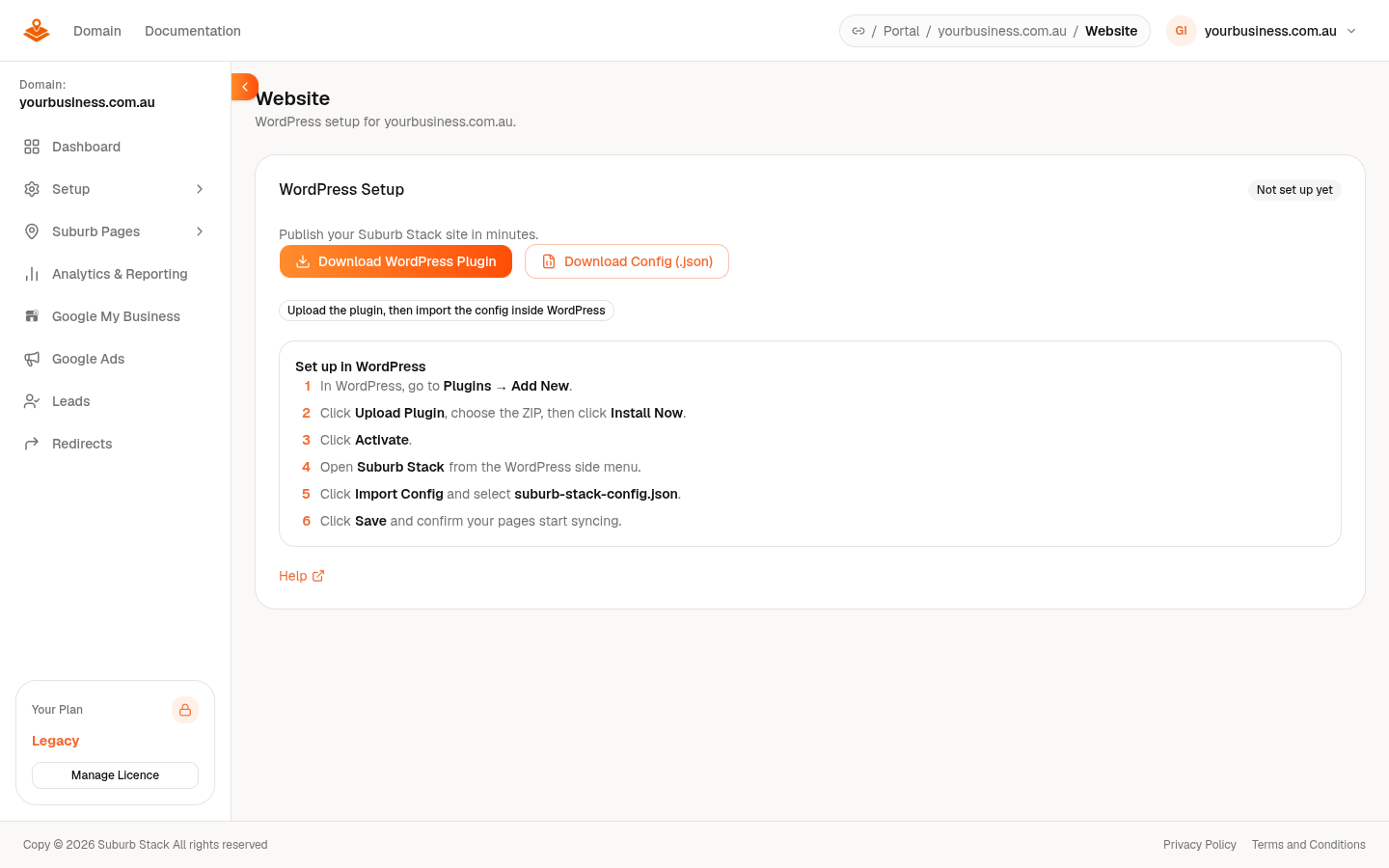
What the page shows
| Part | What it is |
|---|---|
| Status badge | Not set up yet until the settings file has been downloaded for this website, then Configured. |
| Download WordPress Plugin | The Suburb Stack plugin for WordPress, as a ZIP file (suburb-stack-wordpress-plugin.zip). |
| Download Config (.json) | A settings file for this website (suburb-stack-config.json). It tells the plugin which Suburb Stack website it belongs to. |
| Set up in WordPress | The six steps to follow inside WordPress. |
| Help | Opens the Suburb Stack help article on publishing to WordPress in a new tab. |
Set up WordPress
You need to be able to sign in to your WordPress dashboard as an administrator.
- Select Download WordPress Plugin and save the ZIP file. Do not unzip it.
- Select Download Config (.json) and save
suburb-stack-config.json. The button changes to Config downloaded, and the badge changes to Configured. - In WordPress, go to Plugins → Add New.
- Select Upload Plugin, choose the ZIP file, then select Install Now.
- Select Activate.
- Open Suburb Stack from the WordPress side menu.
- Select Import Config and choose
suburb-stack-config.json. - Select Save and check that your pages start syncing.
Once you have downloaded the config, the page shows "WordPress is connected. Publish pages from each page's Go Live button."
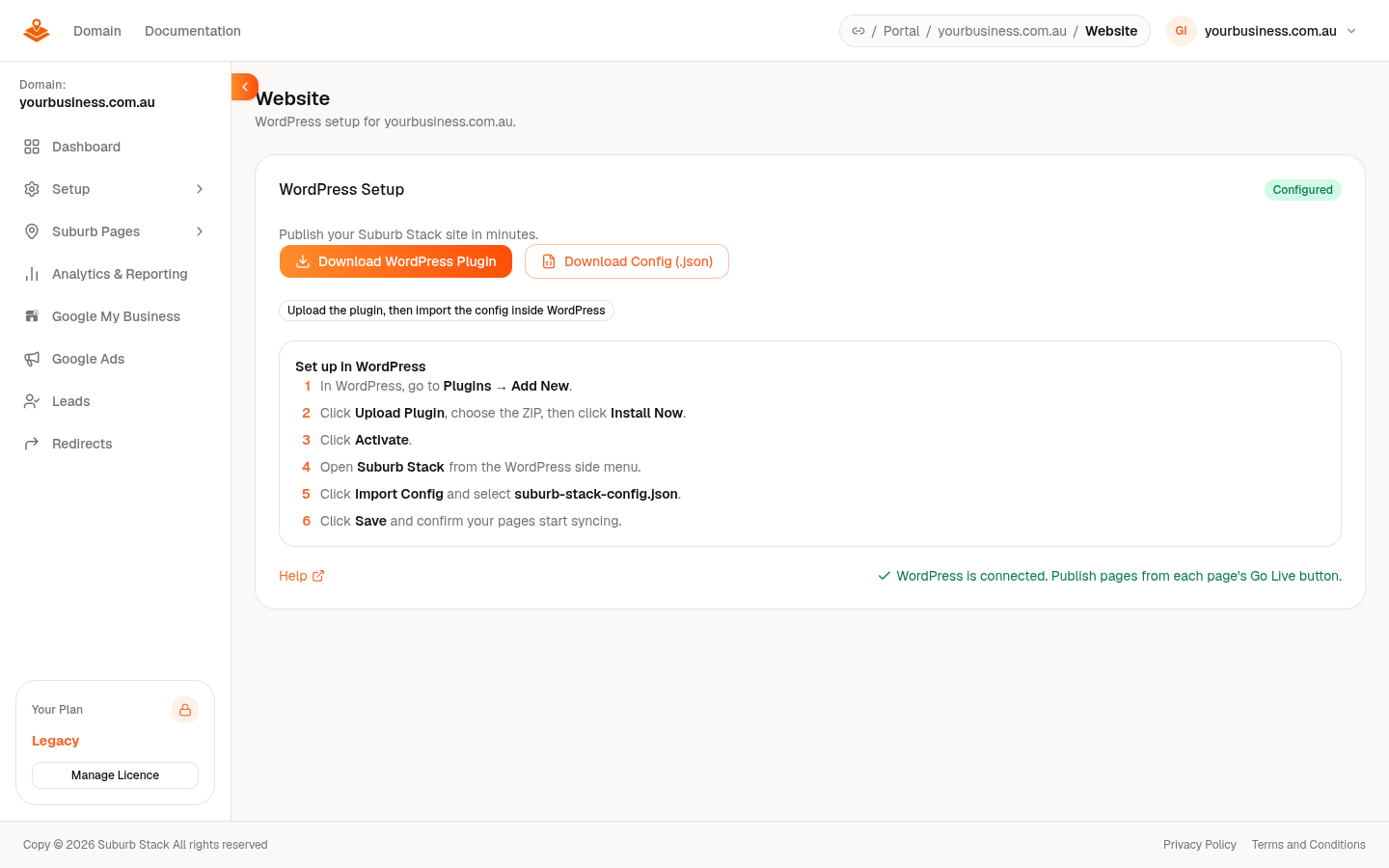
Downloading the settings file is what marks WordPress as set up for this website in Suburb Stack, even before you import it in WordPress. Make sure you finish the WordPress steps too, or your pages will not appear on your site.
Publish your pages
Setting up WordPress does not publish anything by itself. Publish each page from its Go Live button. See Go Live.
Messages you may see
| Message | What to do |
|---|---|
| Couldn't read this website's platform status: ... | The status badge could not load. Reload the page. The download buttons still work. |
| Couldn't generate the config: ... | The settings file could not be created. Try again, or contact support. |
Related guides
- Go Live: publish your pages, including the WordPress, Suburb Connect and Suburb Stack Hosted options.
- Page details: each page's Go Live button.
- Websites and licences: your websites and the top bar Domain tab.